Online program

Become an AI creator

Turn your ideas into realistic images, cinematic videos, and campaigns for brands. Build your creative skills, develop a portfolio, and prepare for commercial work.

Online program

Explore the AI Creator track at Naptera. Request the next cohort’s dates, learning format, and tuition before enrolling.

Practical projectsA creative portfolioVisual storytellingCommercial briefsPractical projectsA creative portfolioVisual storytellingCommercial briefsPractical projectsA creative portfolioVisual storytellingCommercial briefs
Who it’s for

A new creative direction.
A skill you can make your own.

01

Create more content
for your business

Build images, short videos, and campaign ideas around your own products. Learn a repeatable creative process that fits your business.
02

Add AI to your
creative skill set

For marketers, designers, photographers, filmmakers, and social media professionals who want more ways to bring an idea to life.
03

Take your AI work
to the next level

Move beyond individual experiments. Develop consistent characters, believable products, and a visual style that holds a campaign together.
04

Start a new
creative practice

Explore the craft of AI creation, choose a niche, and make a portfolio you can show to a brand, an agency, or your next client.

Why AI creation

Brands need more than content.
They need a point of view.

More ideas to explore

Develop concepts for photos, films, social content, and launches. Turn a creative brief into a visual direction before committing to a full production.

Work that earns attention

Use composition, lighting, motion, and storytelling to give an idea its own character. The creative choices matter as much as the tools.

A skill you can apply

Work with product, fashion, beauty, travel, or your own niche. Learn to present the thinking behind your images and videos.
Make work with a purpose

One product.
A whole world of
creative possibilities.

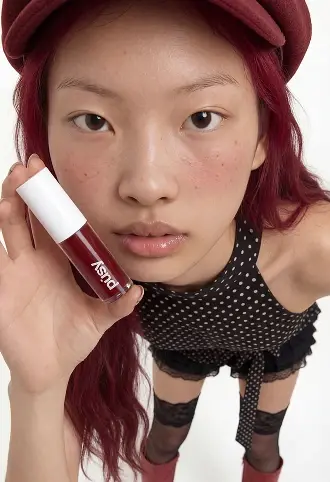
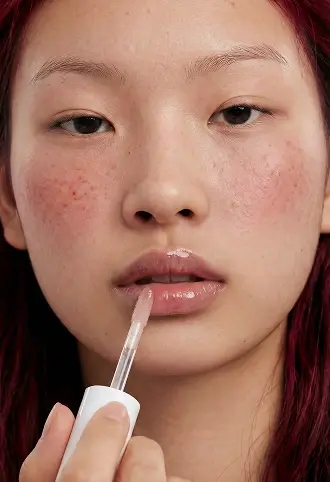
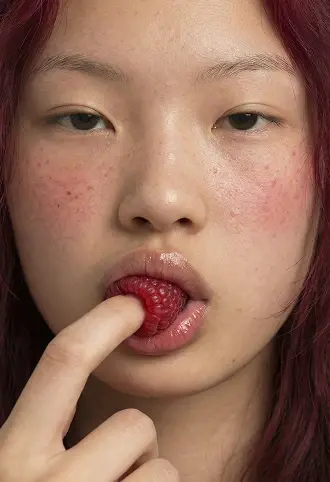
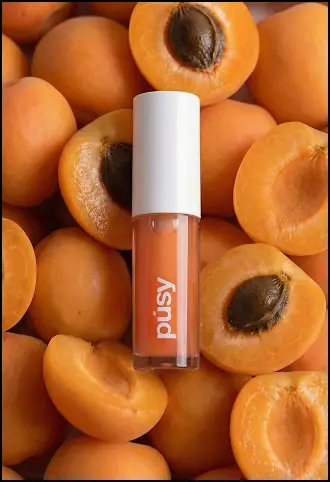
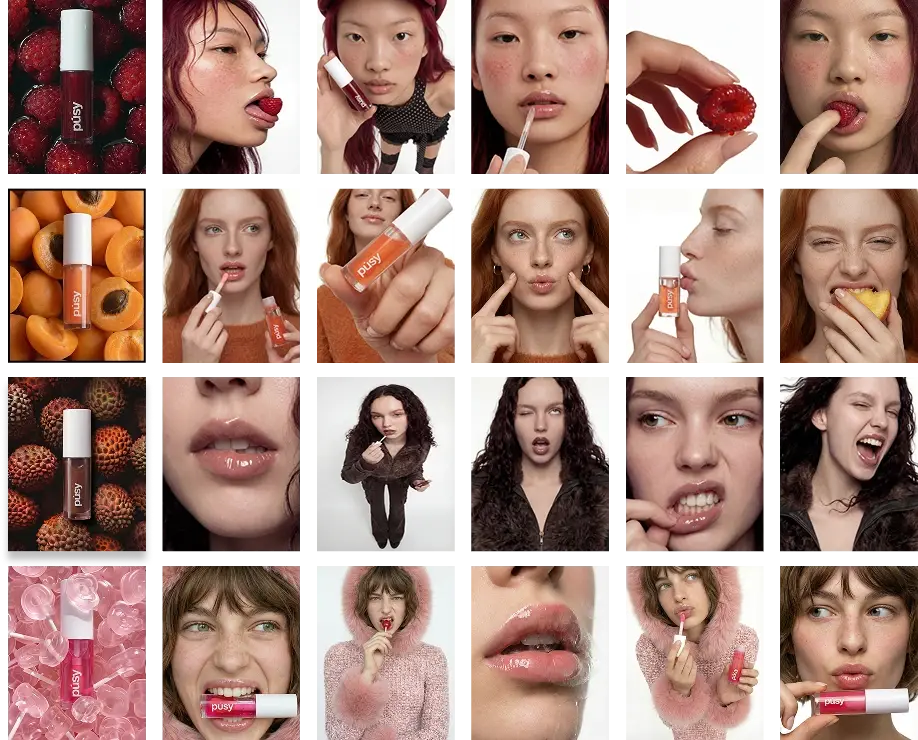
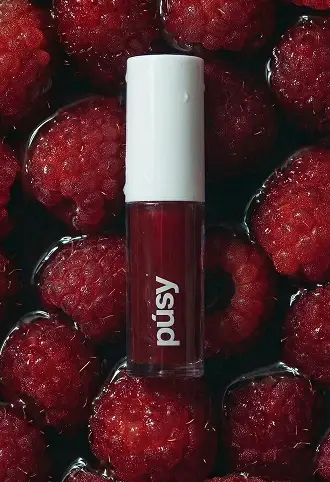
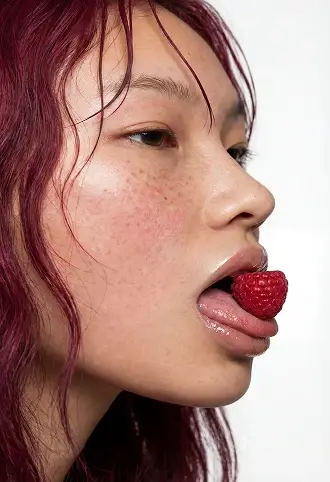
Beauty product styled among red strawberriesAI beauty portrait with a cherryAI fashion portrait in a pink hatAI product portrait with lip glossClose-up beauty campaign portraitOrange beauty product among apricots
Creative possibilities

See what an idea
can become.

Build the skills behind product campaigns, cinematic stories, and entirely imagined worlds.

Luxury and travel
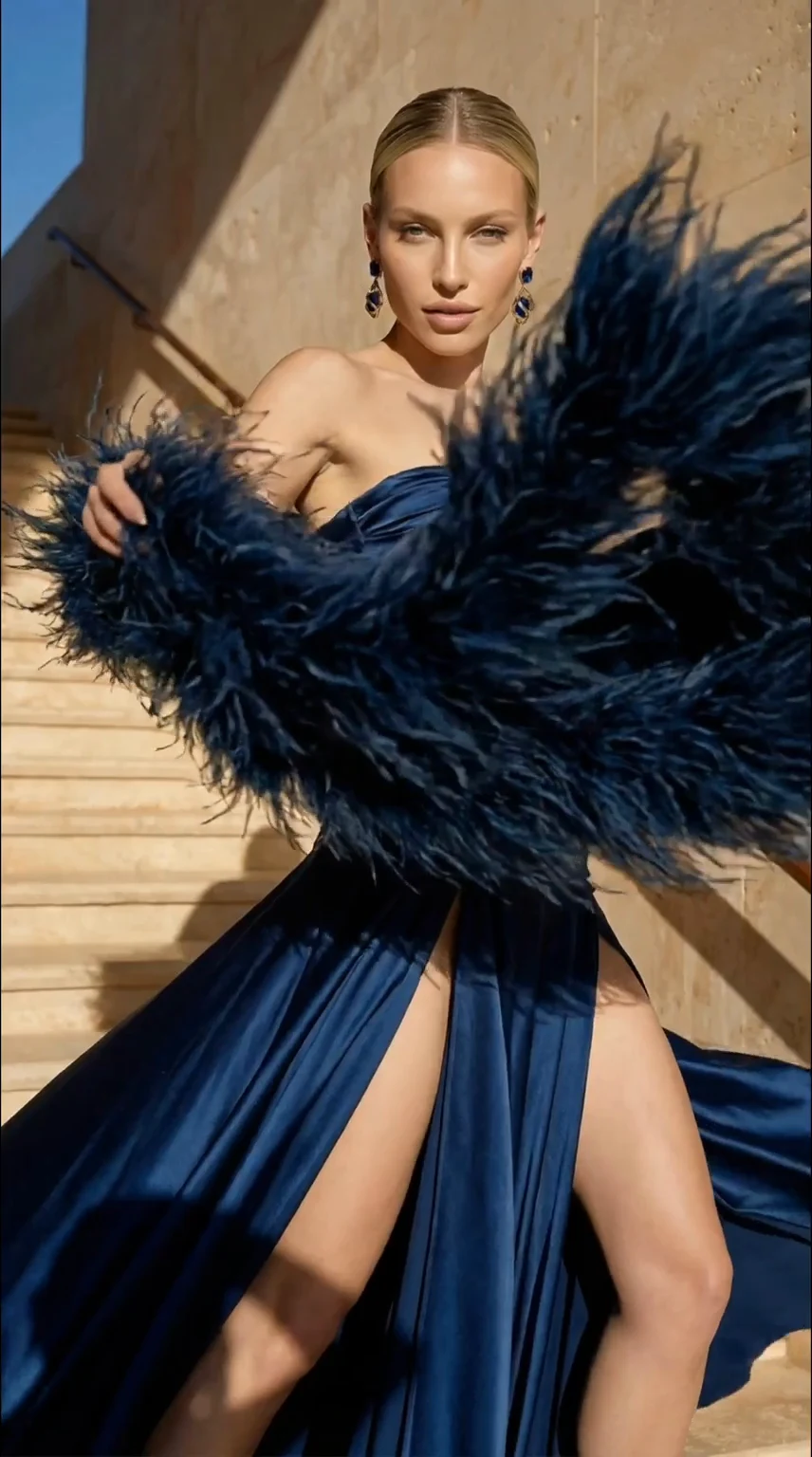
Fashion in motion
Imagined worlds
Beauty campaigns
Lessons and outcomes

Your creative curriculum

A path from your first generation to a portfolio of finished work. Each module connects a practical skill with a project you can make your own.
Build your creative toolkit:

  1. 01Choose the right tools for your creative task
  2. 02Write clear prompts and build strong references
  3. 03Create realistic AI images and cinematic video
  4. 04Develop a portfolio around your chosen niche
  5. 05Present your ideas and speak with prospective clients
  6. 06Work from commercial briefs and brand requirements
  7. 07Understand project scope, rights, and delivery
Move from a first attempt to a finished project. Build a repeatable process for reviewing and improving your work.

Module 1 Getting started as an AI creator

  • Lesson 1. How the program works and how to approach your projects
  • Lesson 2. Choose your niche and plan the portfolio you want to build
  • Lesson 3. Train your creative eye and find references for your direction
  • Lesson 4. Organize your images, videos, references, and prompt library
  • Lesson 5. Choose your tools: capabilities, subscriptions, and generation limits
  • Lesson 6. Set up your accounts and a practical creative workspace
  • Lesson 7. Get started with ChatGPT, Freepik, Higgsfield, Midjourney, and Figma
  • Lesson 8. Understand the creative workflow, terminology, and services you can offer

Your project: Set up your creative workspace and choose a niche.

Module 2 The language of AI: turn an idea into the right image

  • Lesson 1. What a prompt does: image formats and your first generation
  • Lesson 2. Compare image models using the same creative brief
  • Lesson 3. Precise prompting: subjects, objects, context, and composition
  • Lesson 4. Virtual cinematography: cameras, lenses, and Higgsfield Studio
  • Lesson 5. Camera angles, shot sizes, and visual storytelling
  • Lesson 6. Lighting, atmosphere, and mood
  • Lesson 7. Build detailed prompts that communicate your creative intent
  • Lesson 8. Create a GPT assistant for your creative workflow
  • Lesson 9. Develop a complete shoot around your chosen niche

Your project: Create a 15–30-image moodboard for your niche. Portfolio project 1.

Module 3 Premium AI photography with a realistic finish

  • Lesson 1. Create a campaign with real products and a consistent character
  • Lesson 2. Work with image references in Nano Banana
  • Lesson 3. Design a realistic character for your shoot
  • Lesson 4. Keep the character, scene, and product working together
  • Lesson 5. Generate references in Midjourney or Soul and refine in Nano Banana
  • Lesson 6. Prepare still frames that will work well in animation
  • Lesson 7. Assemble a visual story and presentation in Figma

Your project: Produce a branded image series with a product and character. Portfolio project 2.

Module 4 From still images to cinematic video

  • Lesson 1. Turn a still frame into a moving shot
  • Lesson 2. Understand the limits of small details and motion
  • Lesson 3. Guide a transition with start and end frames
  • Lesson 4. Build camera moves in Higgsfield Studio
  • Lesson 5. Animate your shot list using different generation tools
  • Lesson 6. Edit the sequence, timing, and finishing touches in CapCut

Your project: Create a short promotional video. Portfolio project 3.

Bonus Explore Seedance

Module 5 Longer videos, scripts, and voiceovers

  • Lesson 1. Find an idea and define its visual style
  • Lesson 2. Turn the idea into a script and shot sequence
  • Lesson 3. Generate the footage, add a voiceover, and edit the story

Your project: Build a longer narrative from a script to the final edit.

Module 6 Realistic characters, motion, and lip sync

  • Lesson 1. Generate a realistic AI character
  • Lesson 2. Use references to keep the character recognizable
  • Lesson 3. Upscale and refine the details
  • Lesson 4. Create an efficient generation workflow
  • Lesson 5. Direct movement with Kling Motion Control
  • Lesson 6. Work with lip sync and speech in Veo
  • Lesson 7. Animate your character alongside real branded products

Your project: Create a character-led photo and video case study. Portfolio project 4.

Bonus Avatars, voice, and music

  • Lesson 1. Create photo and video avatars with HeyGen
  • Lesson 2. Create and refine voices in ElevenLabs
  • Lesson 3. Explore music and song generation with Suno

Your project: Make a short avatar video and a voice or music experiment. Portfolio project 5.

Module 7 Commercial campaigns: from client brief to final video

  • Lesson 1. Prepare a brand shoot: concept, requirements, and production stages
  • Lesson 2. Turn the client brief into a practical creative plan
  • Lesson 3. Develop concepts, storyboards, and the final generations

Your project: Create a video for a brand brief. Portfolio project 6.

Module 8 Your final film and advanced generation workflows

  • Lesson 1. Scope a final project that demonstrates your strongest skills
  • Lesson 2. Use node-based workflows for a more controlled production process

Your project: Produce your final course film. Portfolio project 7.

Module 9 Build a personal brand around your creative work

  • Lesson 1. Choose a positioning and a strategy for growing as an AI creator
  • Lesson 2. Find content formats and themes that fit your audience
  • Lesson 3. Generate ideas and build a reference library and content calendar
  • Lesson 4. Create short videos and visual carousels
  • Lesson 5. Understand rights, consent, and responsible commercial use
  • Lesson 6. Prepare your Instagram, Pinterest, or Threads presence
  • Lesson 7. Connect content, inquiries, and your creative services

Your project: Prepare your profile and publish your first 10 pieces of content.

Module 10 Find clients and sell your creative services

  • Lesson 1. Understand what a client buys and how creative work creates value
  • Lesson 2. Map the market and the types of creative services clients need
  • Lesson 3. Choose a niche and identify suitable clients
  • Lesson 4. Build a clear set of services and deliverables
  • Lesson 5. Price a project, explain your quote, and discuss a deposit
  • Lesson 6. Structure a sales call and respond to questions
  • Lesson 7. Manage a project from brief to delivery
  • Lesson 8. Present your profile and portfolio to prospective clients
  • Lesson 9. Build a repeatable process for finding leads
  • Lesson 10. Write a thoughtful first message and follow-up
  • Lesson 11. Practice communication and negotiation skills
  • Lesson 12. Plan your next steps after the course
  • Lesson 13. Understand the project agreement and scope of work

Your project: Prepare your service offer, portfolio pitch, and outreach plan.

Module 11 Your AI creator portfolio

  • Lesson 1. Research photo and video formats on Reels, Shorts, and TikTok
  • Lesson 2. Identify potential clients for your chosen niche
  • Lesson 3. Build a portfolio that explains your process and finished work

Your project: Assemble your best projects into one portfolio and begin outreach.

VIP Grow from independent creator to creative studio

  • Develop relationships for larger, longer-term projects
  • Build a team and delegate creative work
  • Position a creative studio and scope its services
  • Discuss a strategy for your own niche and business
Your next creative chapter

Turn the ideas in your head
into work you can show.

Explore the AI Creator course with Naptera.
Ask about the next cohort and the right starting point for you.

Create with intention

Make images and films
that feel like a world
of their own.

Build the craft behind the generation:

  • A clear creative direction
  • Consistent characters and products
  • Realistic lighting and detail
  • Purposeful camera movement
  • A complete visual story
  • A presentation ready to share
Learning paths

Find your way into AI creation.

LITE

Start with the creative foundations.

  • Creative workspace and tool setup
  • Prompting and visual references
  • Realistic AI photography
  • Still images to cinematic video
  • Your first portfolio projects

Ask about dates, tuition, and availability.

VIP

Explore a path for your business or creative studio.

  • The full creative curriculum
  • Larger projects and client relationships
  • Creative studio positioning
  • Team building and delegation
  • A strategy for your chosen niche

Ask about dates, tuition, and availability.

Contact Naptera to confirm the available format, tuition, schedule, feedback, and course access before enrolling.

Your first step can
be a conversation.

Tell us what you want to create. We’ll help you understand the program and discuss your next step.
(945) 347-3454
Your portfolio

Make something worth showing.

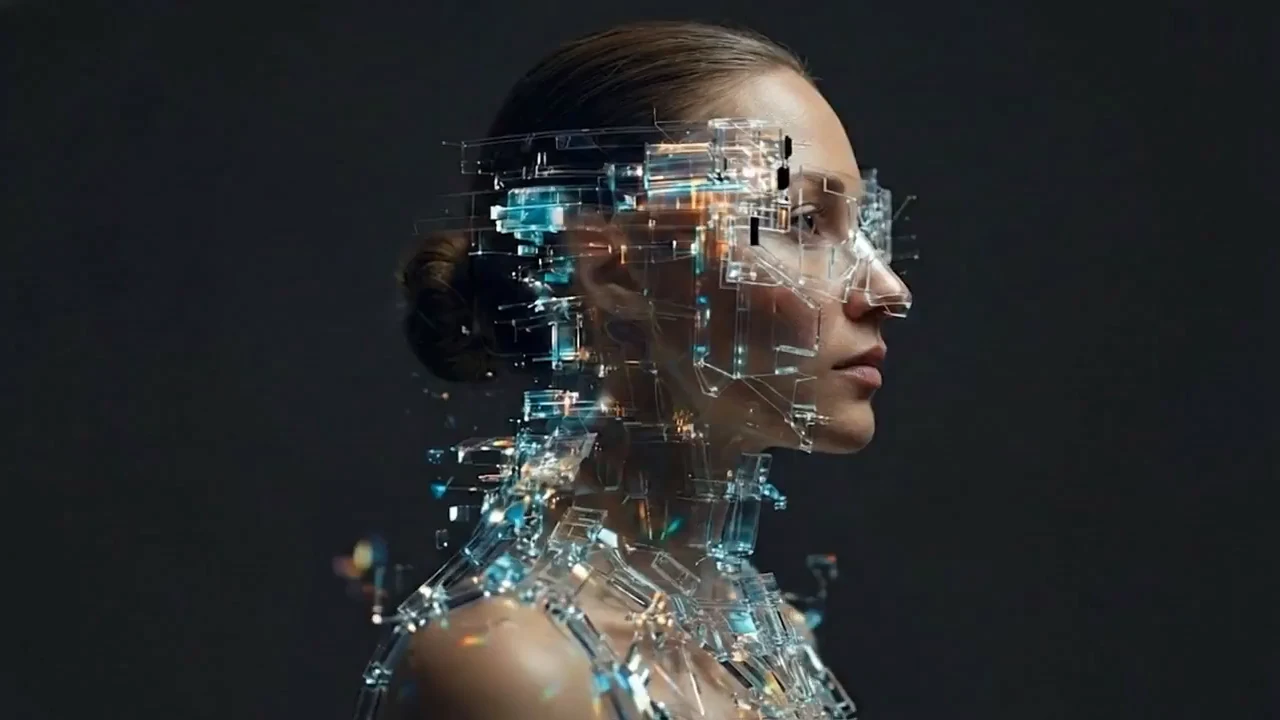
AI-generated portrait combining a human face with a digital structure
Learn with Naptera

A new track.
A different kind of making.

AI Creator brings visual storytelling, image generation, and filmmaking into Naptera’s learning offering.

  • Start with your creative interests and choose a niche
  • Make practical projects you can explain and present
  • Connect tools into a complete production workflow
  • Explore how to turn a finished project into a client conversation

Looking to build AI software instead?

Explore the AI Engineering bootcamp
FAQ

A few things you might be wondering.

Is this suitable if I’m new to AI?

The curriculum starts with tool setup, references, and your first images, then moves into video and commercial projects. You do not need programming experience. Talk with Naptera about your current skills before choosing a learning path.

Is it useful if I already create AI content?

The later modules focus on character consistency, realistic products, cinematic motion, commercial briefs, advanced workflows, and client work. Share your portfolio with us so we can discuss the right starting point.

How will the Naptera course run?

Request the course details for the next cohort’s dates, teaching format, feedback arrangements, and access period. We will confirm these with you before enrollment.

What if I don’t have a client yet?

Start with a concept brief in a niche you enjoy. You can develop a product shoot, a character campaign, and a short film as portfolio projects. Clearly label speculative work and use materials you have permission to use.

What will I make?

The curriculum includes a moodboard, an image campaign, a promotional video, a character project, an avatar or audio experiment, a brand video, and a final film, brought together in your portfolio.

Are AI subscriptions included?

AI tools may require their own paid subscriptions or generation credits. These are separate from course tuition unless your enrollment agreement says otherwise. We can help you choose a practical tool set for your projects.

What are the tuition and start date?

Contact Naptera for current tuition, cohort dates, available learning paths, and payment terms. This page accepts inquiries; it does not collect payment or automatically enroll you.

Is this the same as the AI Engineering bootcamp?

No. AI Creator focuses on images, video, visual storytelling, and creative services. The separate AI Engineering bootcamp covers Python, agents, retrieval, and cloud deployment. You can explore both on Naptera.

naptera.com NAPTERA · AI CREATOR

Let’s talk about
what you want to create.

Request the next cohort’s dates, tuition, and course details. This is an inquiry, not a payment or enrollment.

We use these details to contact you about the course. Read our privacy policy.

Prefer to call? (945) 347-3454